Xbox Series X USB Ports and Their Uses
16 August 2026 | 295
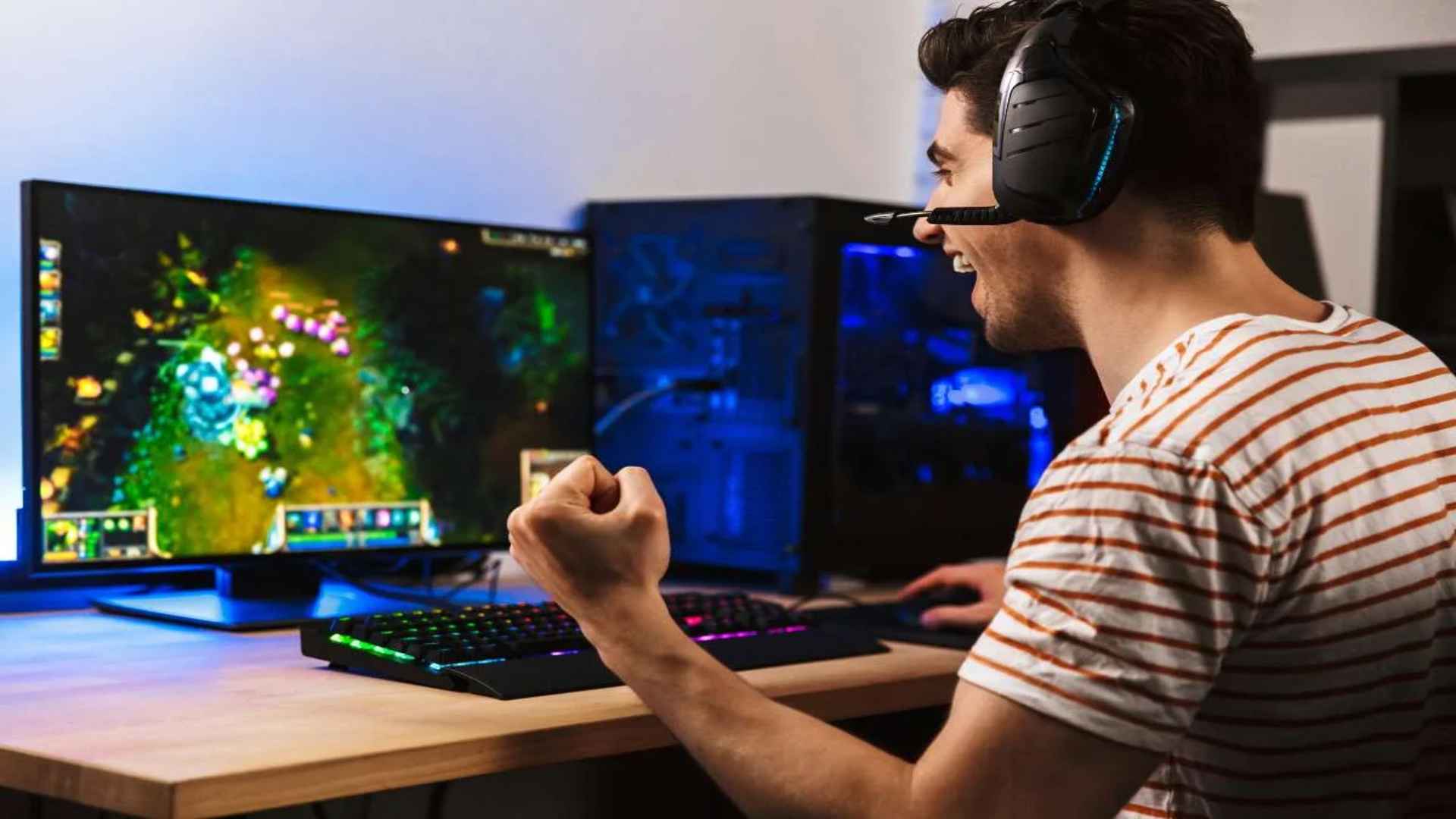
The Xbox Series X stands as a powerhouse in modern gaming, offering incredible processing speeds and stunning visual performance. To support this massive power, the console features several physical connection points designed to expand your gaming setup. Understanding how to utilize these specific connections can significantly enhance your daily gaming experience.
The Location and Specifications of the Ports
Microsoft equipped the Xbox Series X with three high-speed USB 3.1 Gen 1 ports scattered across its sleek chassis. You can easily find one convenient port located on the lower right corner of the front console panel. The remaining two ports reside on the back interface next to the main power and network inputs.
These connections offer substantial data transfer rates capable of handling multiple peripheral tasks simultaneously. Every single port delivers stable power delivery to keep your essential accessories functioning smoothly during intense gaming sessions. Knowing their exact locations helps you plan your desk arrangement and cable management efficiently.
Expanding Storage for Backward Compatible Games
One of the primary uses for the rear connection slots is attaching external hard drives or solid-state drives. While modern optimized titles require the internal storage architecture, legacy games run perfectly from external USB hardware. This method allows you to preserve your premium internal space for next-generation releases without deleting classic favorites.
Setting up an external drive is incredibly simple since the console automatically detects compatible storage accessories. You merely need to ensure your external drive supports fast transfer speeds to maintain optimal loading performance. This reliable setup provides an affordable way to manage an expansive game library seamlessly.
Connecting and Charging Essential Peripherals
The front-facing connection port is ideal for plugging in your primary wireless controller charging cable. It ensures you can continue playing your favorite titles even when your internal batteries run completely out of power. This accessible slot eliminates the need to awkwardly reach around the back of the console mid-game.
Beyond standard controllers, these ports support specialized peripherals like arcade fight sticks, racing wheels, and flight yokes. Wired gaming headsets and compatible webcams for streaming also utilize these interfaces to communicate with the system hardware. These versatile options allow players to customize their control schemes to fit specific interactive genres.
Managing Media Playback and Data Transfers
The high-speed interface allows users to connect standard flash drives filled with personal high-definition media files. The console natively supports playing music, videos, and viewing photo galleries directly through dedicated media applications. This transforms your standard gaming hardware into a comprehensive entertainment hub for the entire living room.
Additionally, you can use these connections to manually export captured screenshots and long gameplay clips to external storage. This makes sharing high-quality media with personal computers or editing software an effortless process. Utilizing these ports ensures your content creation workflow remains swift and uncomplicated.
Optimizing Accessories and System Maintenance
Many modern gaming accessories require regular firmware updates to maintain compatibility and performance standard features. Connecting these devices directly to the console ports ensures a stable environment for applying these essential software upgrades. This practice prevents unexpected disconnects or input latency during competitive online matchmaking sessions.
Furthermore, various peripheral cooling fans and custom stand illumination setups draw their operating power directly from these interfaces. Utilizing the rear ports keeps these aesthetic modifications active without cluttering the clean appearance of your entertainment center. Taking full advantage of these connectivity options keeps your setup organized, modern, and highly efficient.